



What’s My Well?
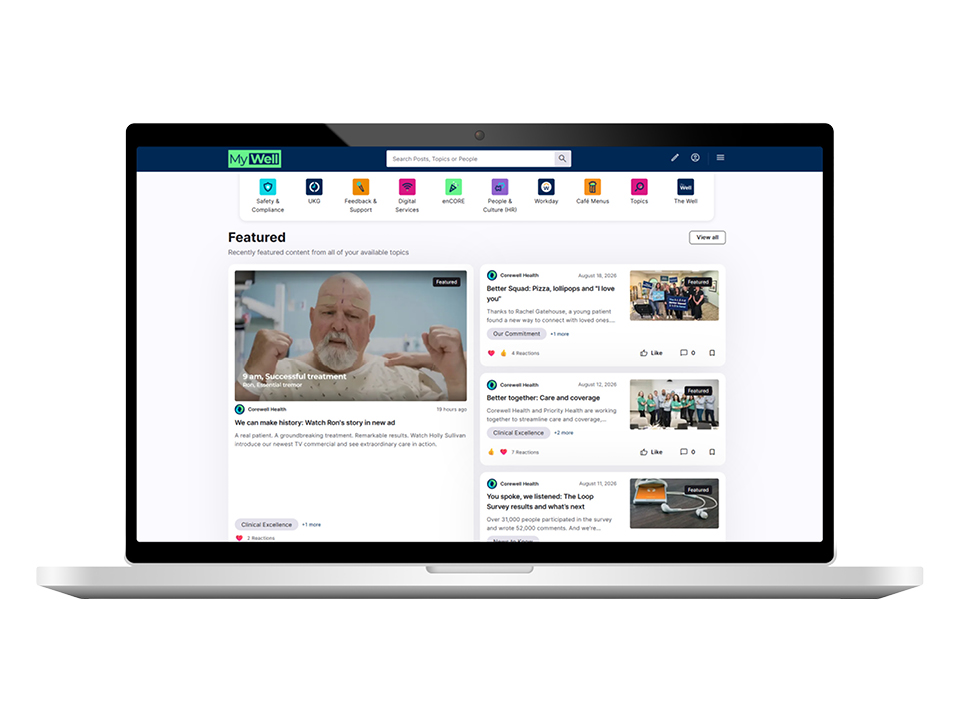
An easier, customized communications experience is here for Corewell Health and Priority Health team members:
- Get newsfeeds personalized to My role and interests
- Find shortcuts to My apps and resources
- Access news on My device in My language
How can I access My Well?
Visit my-well.corewellhealth.org on any internet browser and enter your usual Corewell Health or Priority Health credentials.
You can also download the My Well by Corewell Health mobile app.
How do I download the mobile app?
There are three ways to get the app on your personal mobile device:
- Scan the QR code
- Visit the Apple App Store or Google Play Store and search for “My Well by Corewell Health”
- Text “mywell” to 45411 to receive a link and instructions
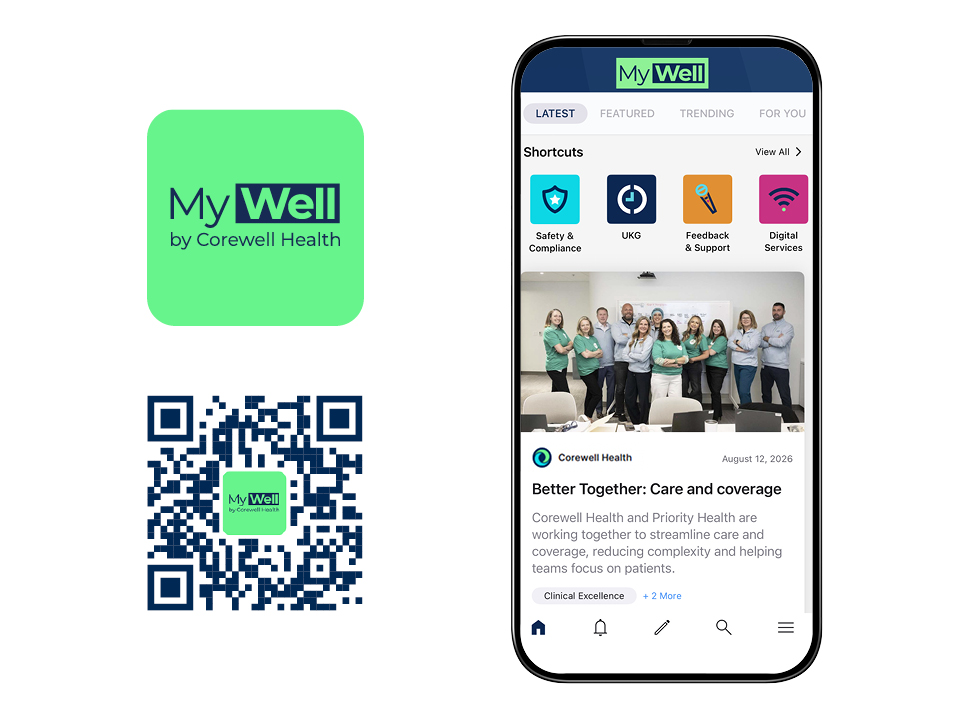
Open the app and select SSO to sign in using your usual Corewell Health or Priority Health credentials. Follow the PingID multifactor authentication process if prompted.